

Description
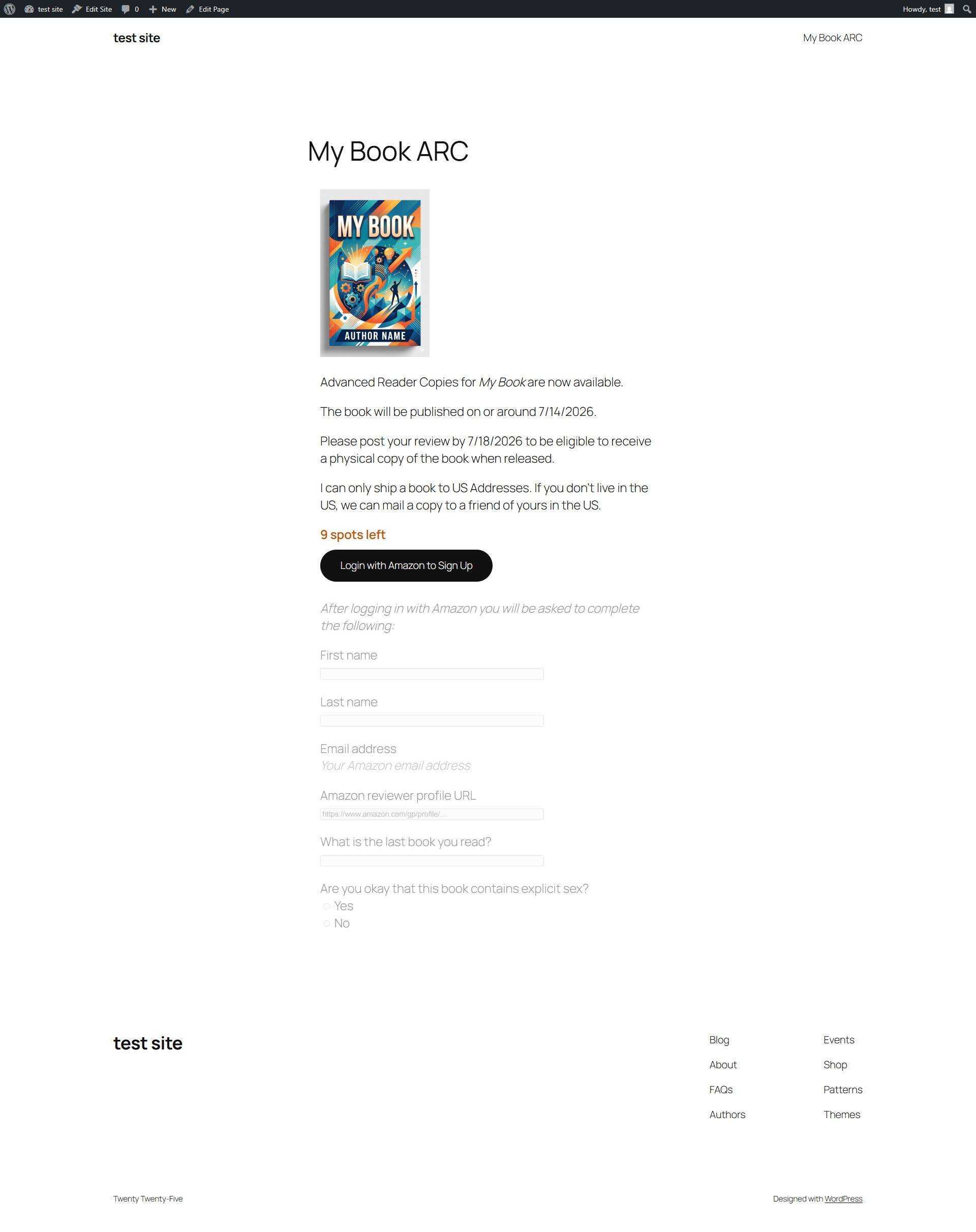
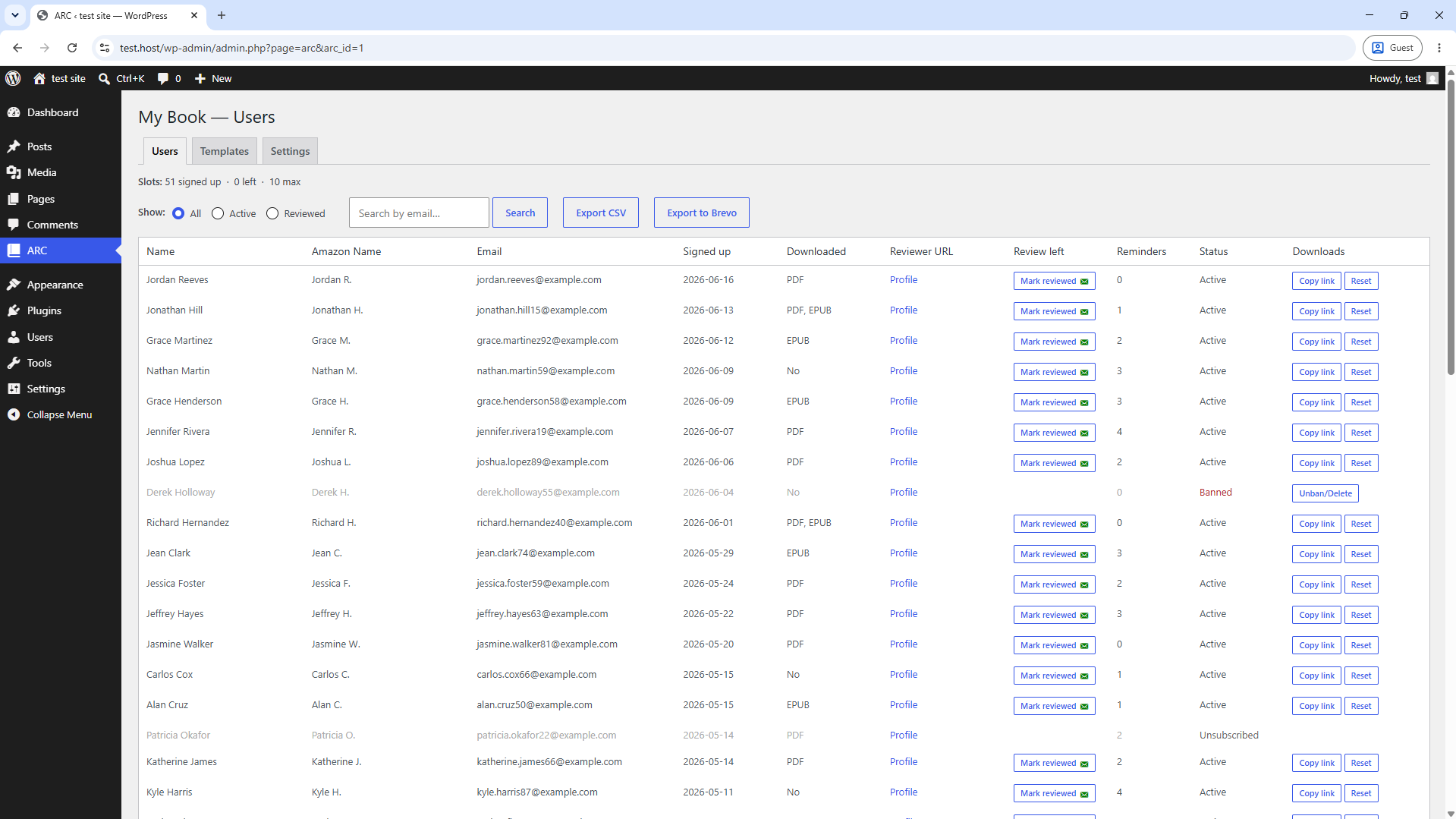
ARC — Advance Review Copy turns any WordPress page into a book review recruitment campaign. Readers authenticate with their Amazon account (no new passwords to remember), download your ebook, and you can track who has left a review on Amazon.
Features
- Login with Amazon — frictionless signup, verified Amazon identities
- PDF and EPUB delivery via secure, expiring download links
- Customisable sign-up questions with disqualifying-answer support
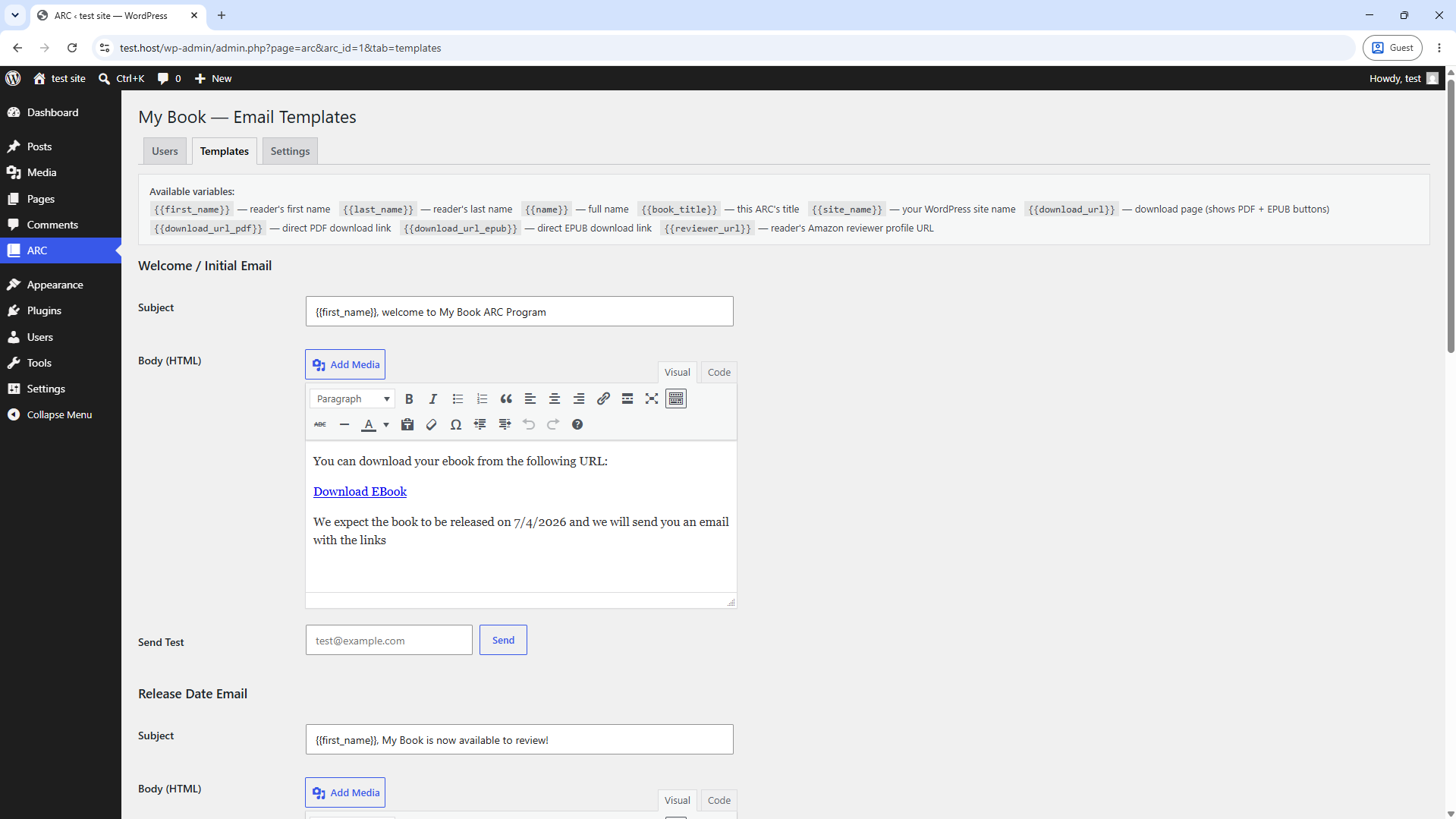
- Automated welcome, reminder, release-day, and thank-you emails via Brevo
- Per-campaign email templates with a TinyMCE editor
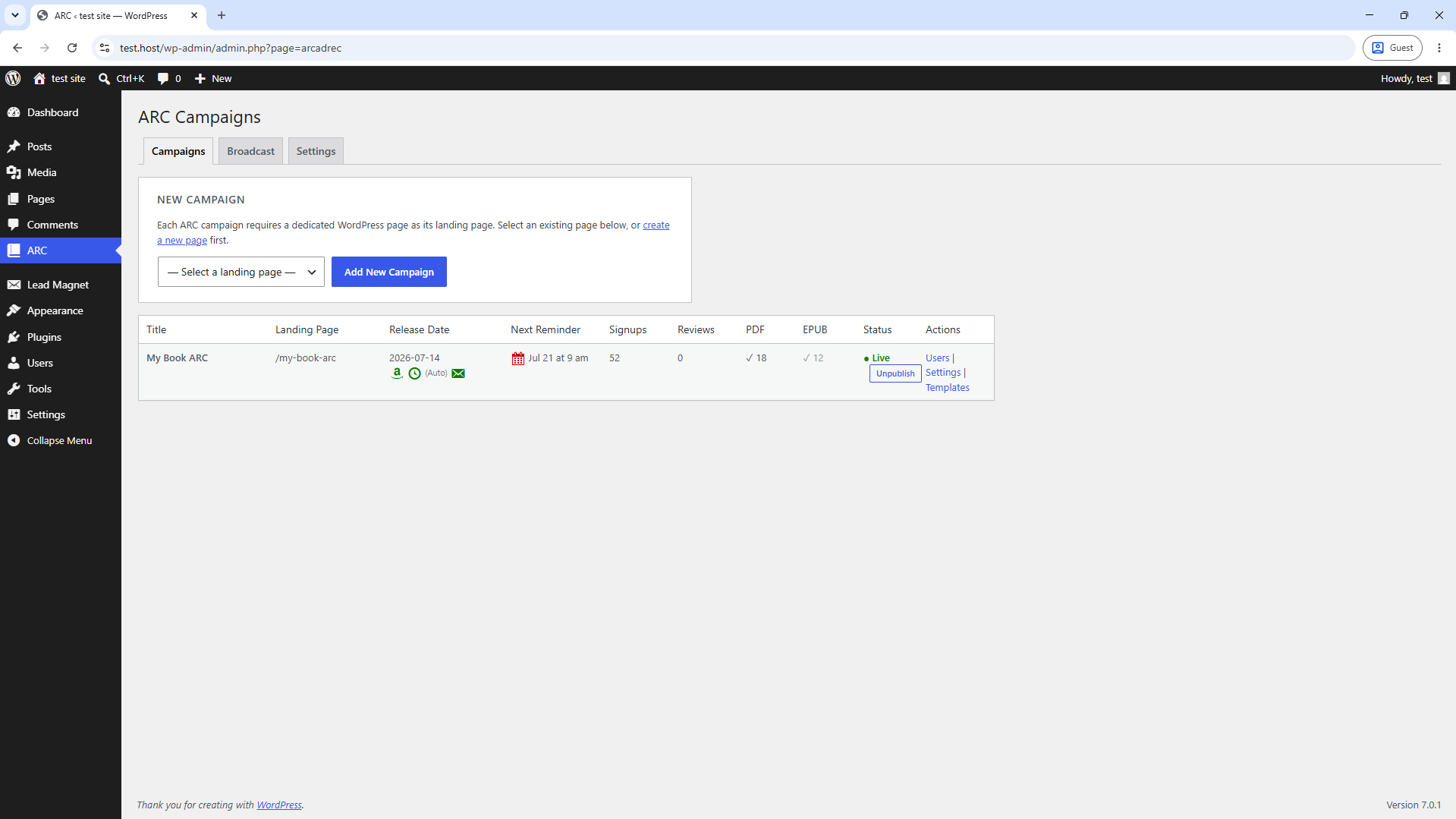
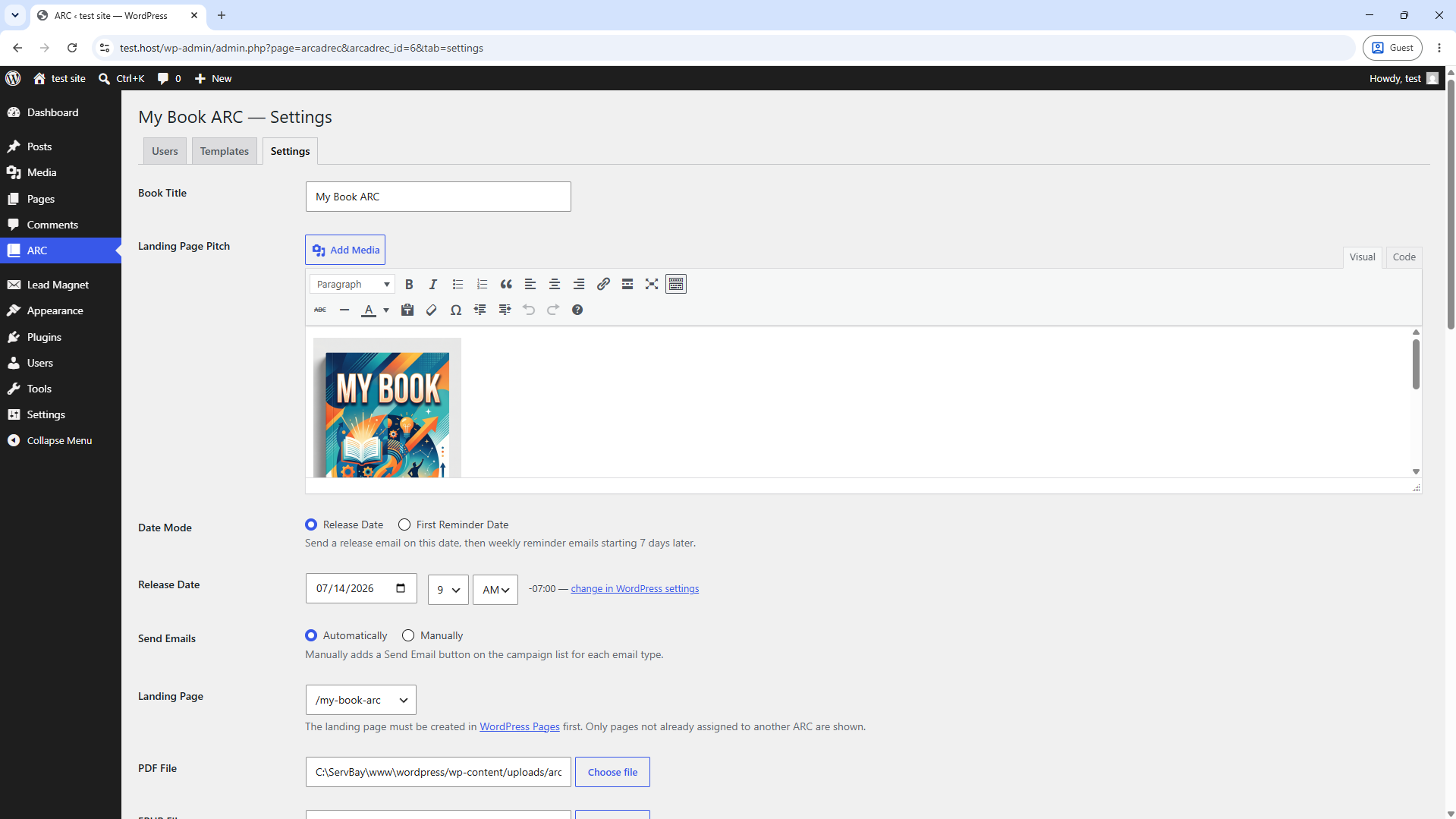
- Signup cap with automatic delisting when the cap is reached
- Reviewer ratio gating — require a minimum review-to-signup ratio for returning readers
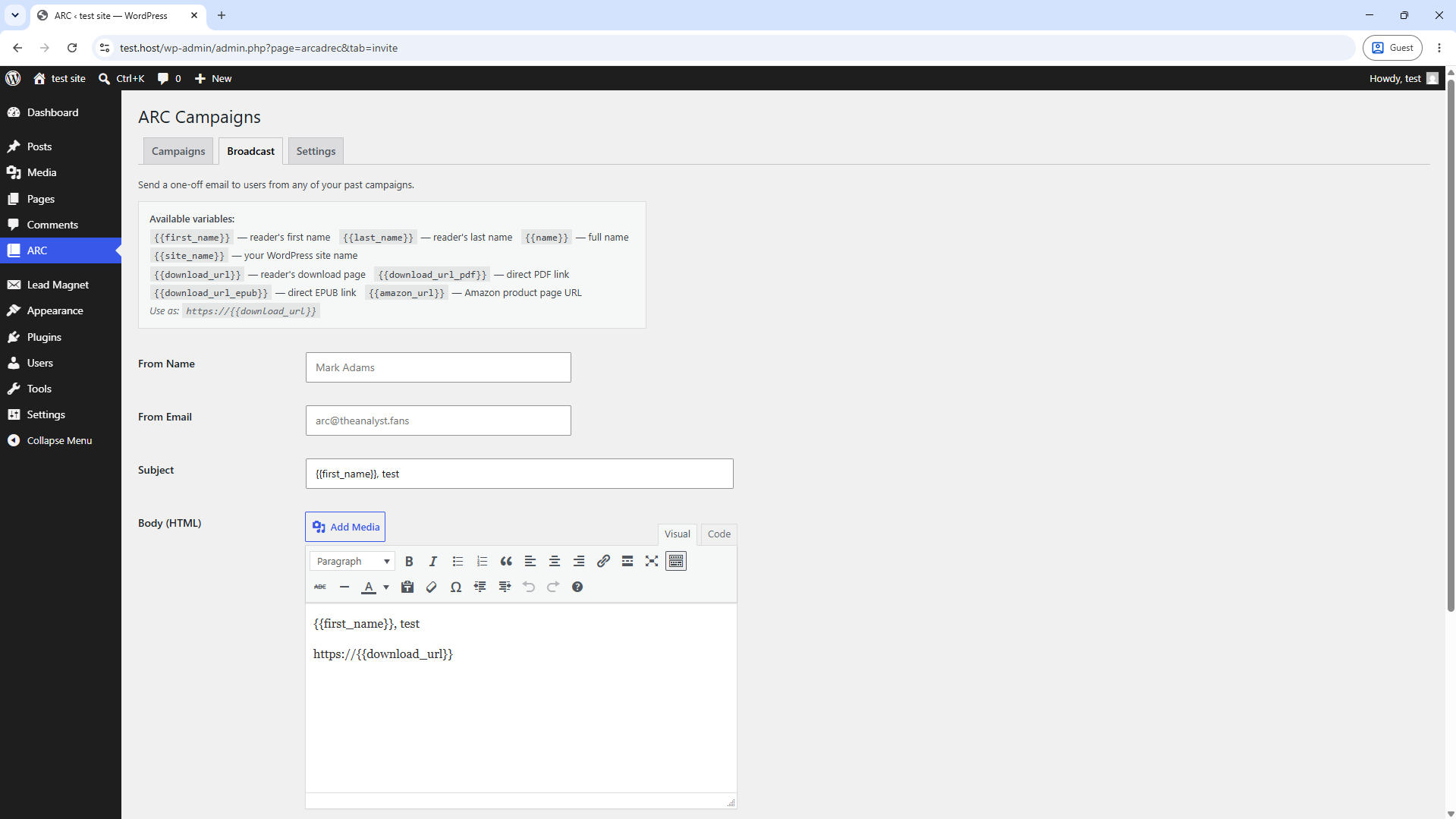
- Street-team tagging and one-off invitation blasts to confirmed reviewers
- CSV export of your reader list
- Optional listing on the Unjacketed ARC directory (unjacketed.com)
External services
This plugin connects to three external services. See the “External Services” section below for full disclosure.
External Services
This plugin relies on the following external services. By activating this plugin you agree to the respective terms of service and privacy policies.
Unjacketed API (app.unjacketed.com)
What it is: The Unjacketed API is operated by the plugin author. It manages cross-site reader reputation, orchestrates the Amazon OAuth flow, tracks reminder email delivery, records review confirmations, and optionally lists your ARC in the public Unjacketed directory.
Data sent and when:
* Installation credentials (API key and HMAC secret) are exchanged on first registration and included in every subsequent authenticated request.
* When a reader signs up: their Amazon user ID, the ARC identifier, and the install ID are sent to record the signup.
* When reminder emails are sent: reminder tokens (opaque identifiers) are sent to log delivery and enforce per-reader rate limits.
* When a review is confirmed: the reminder token and ARC identifier are sent to increment the reader’s review count.
* When a reader unsubscribes: their reminder token is sent to record the opt-out.
* When an ARC is listed or delisted from the directory: the ARC title, description, and metadata are sent.
Brevo (api.brevo.com)
What it is: Brevo (formerly Sendinblue) is a third-party transactional email service used to deliver all plugin-generated emails to readers — welcome emails, weekly reminder emails, release-day announcements, thank-you emails, and manual broadcast messages.
Data sent and when:
* Each time an email is sent to a reader, the following data is transmitted to Brevo: the reader’s name, email address, and the rendered email content (subject and HTML body). This occurs when a reader signs up, when automated reminders or release emails are dispatched, when an admin confirms a review, and when the admin sends a broadcast from the Broadcast tab.
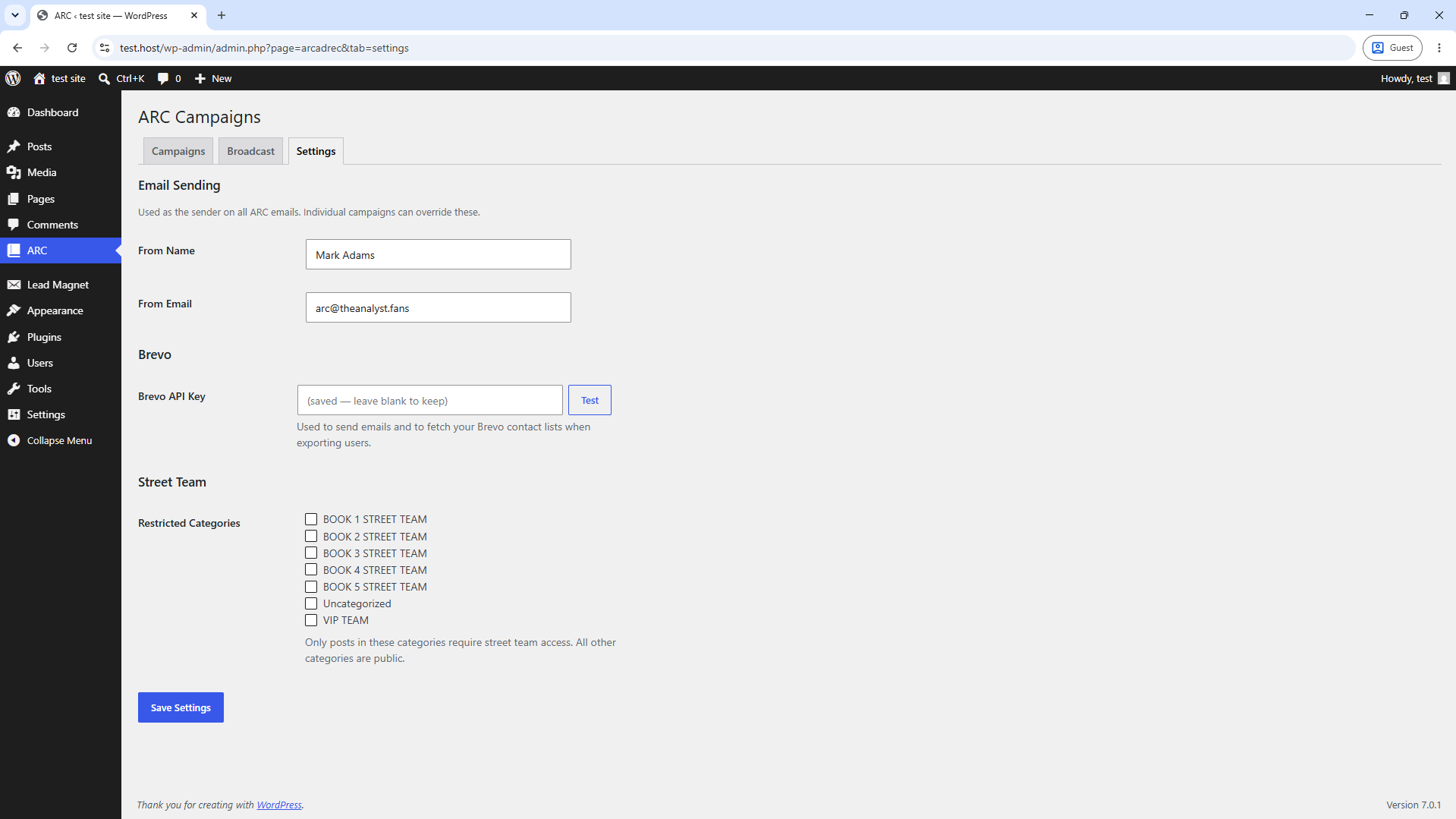
* When the admin tests the Brevo connection (Settings page), the plugin makes a read-only request to the Brevo contacts API using your API key — no reader data is transmitted.
* When the admin exports readers to a Brevo list, reader names and email addresses are sent to Brevo’s contacts import API.
Your Brevo API key is stored in your WordPress database and is never transmitted to any service other than Brevo.
Login with Amazon (Amazon OAuth)
What it is: Amazon’s Login with Amazon (LWA) is an OAuth 2.0 service used to verify reader identities. When a reader clicks “Login with Amazon” on your ARC landing page, they are redirected to Amazon’s servers to authenticate. No passwords are stored by this plugin.
Data sent and when:
* When a reader initiates sign-up, they are redirected to Amazon’s OAuth endpoint. Amazon returns an authorization code which the Unjacketed API exchanges for the reader’s Amazon display name, email address, and Amazon user ID. These are then returned to your WordPress site to complete the sign-up flow.
* No reader data is sent directly from your WordPress site to Amazon — the OAuth flow is mediated by the Unjacketed API.
Screenshots
Installation
- Upload the
arcfolder to/wp-content/plugins/. - Activate the plugin through the Plugins menu in WordPress.
- Go to ARC Settings and click Register to obtain a free Unjacketed API key. No account or personal information required.
- Enter your Brevo API key on the same Settings page.
- Create a WordPress page to use as your ARC landing page.
- Go to ARC Campaigns, click Add New Campaign, and select that page.
- Upload your PDF and/or EPUB file, configure your sign-up questions, and click Publish.
FAQ
-
Do readers need an Amazon account?
-
Yes. Readers authenticate via Login with Amazon. This lets you verify their Amazon identity without storing passwords.
-
Which email provider does this use?
-
ARC sends email through Brevo (formerly Sendinblue). You will need a free or paid Brevo account and an API key.
-
Does this work with WooCommerce or Easy Digital Downloads?
-
ARC is a standalone plugin. It manages its own reader database independently of any e-commerce plugin.
-
Is an Unjacketed account required?
-
No account is required. Click the Register button on the ARC Settings page and a free API key is issued instantly. No personal information is collected.
Reviews
There are no reviews for this plugin.
Contributors & Developers
“ARC — Advance Review Copy” is open source software. The following people have contributed to this plugin.
Contributors
Translate “ARC — Advance Review Copy” into your language.
Interested in development?
Browse the code, check out the SVN repository, or subscribe to the development log by RSS.
Changelog
0.1.0
- Initial release.