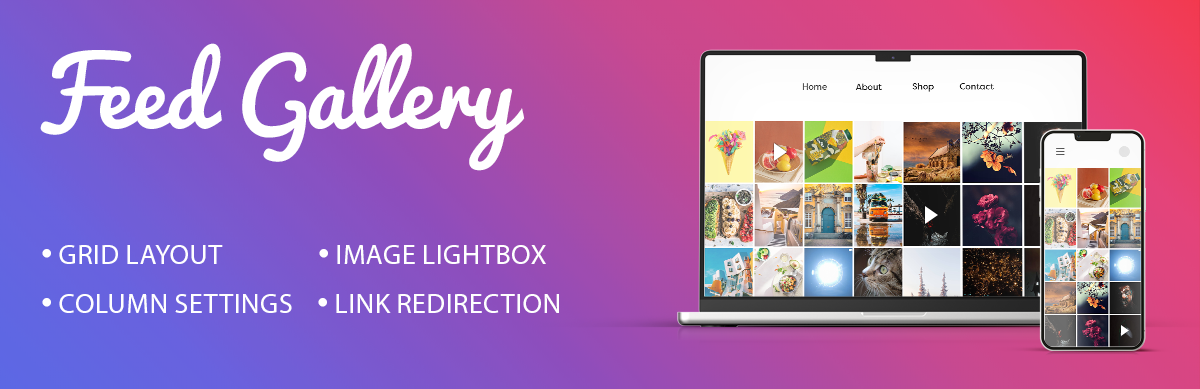

Description
Showcase your Instagram photos on your website easily.
This social media gallery pulls images from your account with an access token.
Your feed appears in a clean grid.
It looks great on any screen size.
View Pro Demo: Social Media Feed Gallery Premium
More About Pro Version: Social Media Feed Gallery Premium Details
Where To Buy: Buy Social Media Feed Gallery Premium
Video Guides
How to Generate an Access Token
External services
This plugin relies on the Instagram Graph API to fetch media content (images and videos) from your Instagram account to display in your gallery.
- Service: Instagram Graph API (Meta Platforms, Inc.)
- What data is sent: Your Instagram Access Token, media IDs, and query parameters to specify image/video fields and limits.
- When data is sent: Data is sent via a server-side request (
wp_remote_get) every time the gallery shortcode is loaded on your site. - Privacy & Terms:
Free Features
- Access token authentication
- 1 gallery layout (Grid)
- Rows and columns control
- Display up to 50 images
- Adjustable image spacing
- Caption overlay on hover
- Direct links to feed posts
- Lightbox image preview
- Lightbox navigation controls
- Shortcode generator
- Responsive design
- Translation ready
Pro Features
Upgrade to access additional layouts and extended functionality:
- 5 gallery layout templates (Grid, Masonry, Mosaic, Carousel, Post)
- Display 200+ images per gallery
- Album support
- Like count display
- Comment count display
- User profile information
- Load More button for pagination
- Social sharing icons
- No-spacing layout option
- Custom link settings
- Custom CSS field
- Lightbox color customization
- Priority support
Complete Setup Tutorial
The setup process takes just a few minutes.
Enter your access token and adjust display settings.
Drop the shortcode wherever you want.
It works with pages, posts, and widgets.
Create a Custom Instagram Feed
Add a clean instagram feed to your site.
Display your latest photos automatically.
It takes just a few steps to connect.
Get your access token and paste it in.
Your website will update when you post.
Beautiful Instagram Gallery Layout
Customize how your instagram gallery displays.
Control spacing, column counts, and captions.
Key features of this social media gallery:
- Select column layout options from 1 to 6.
- Adjust spacing between images for a custom look.
- Show captions when users hover over photos.
- Open each instagram post in a clean lightbox.
- Direct visitors to the original instagram photo feed link.
Display Instagram Reels and Videos
Share more than just static images.
You can display your instagram reels and videos.
A video play icon shows on video thumbnails.
Visitors can view your videos from the gallery.
Screenshots
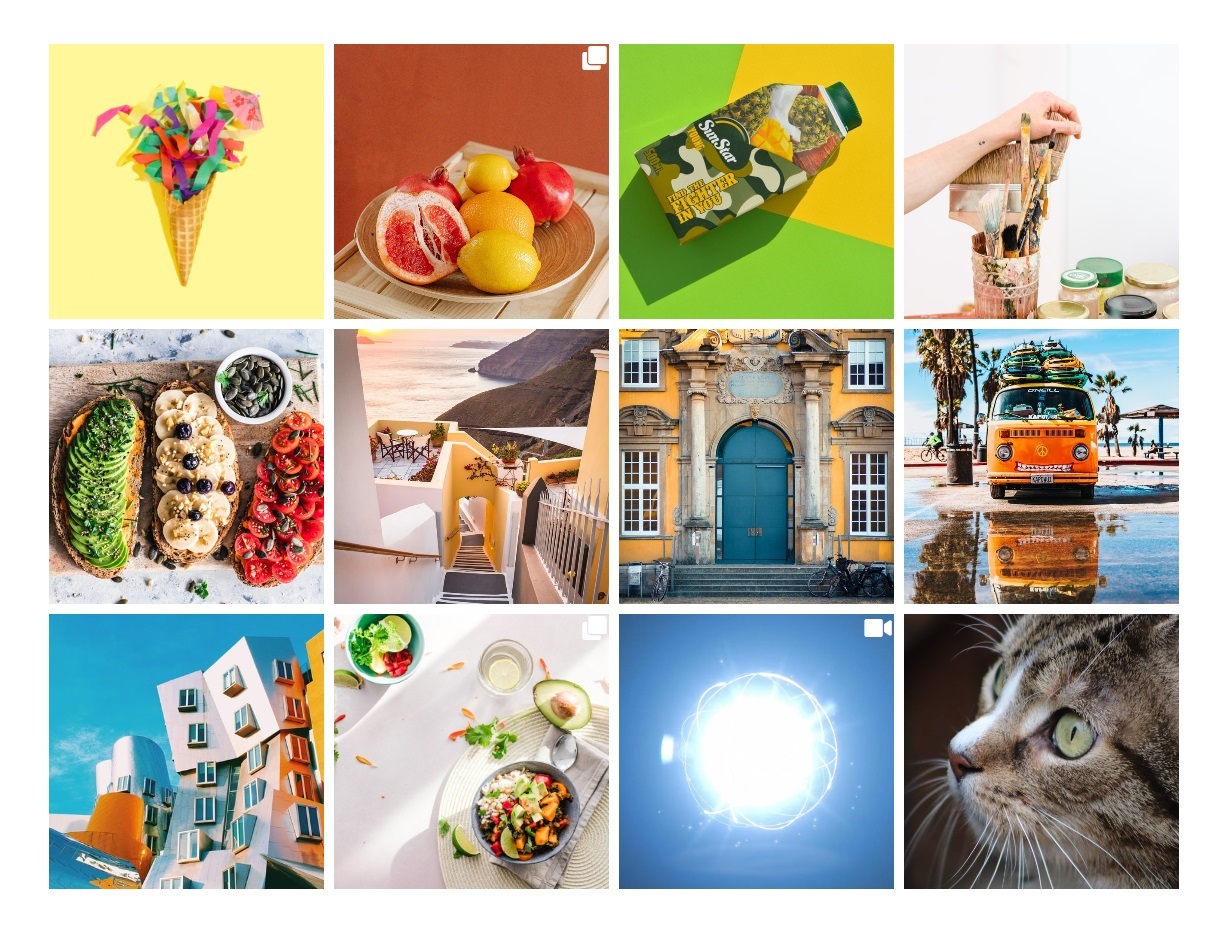
Grid layout gallery on the frontend 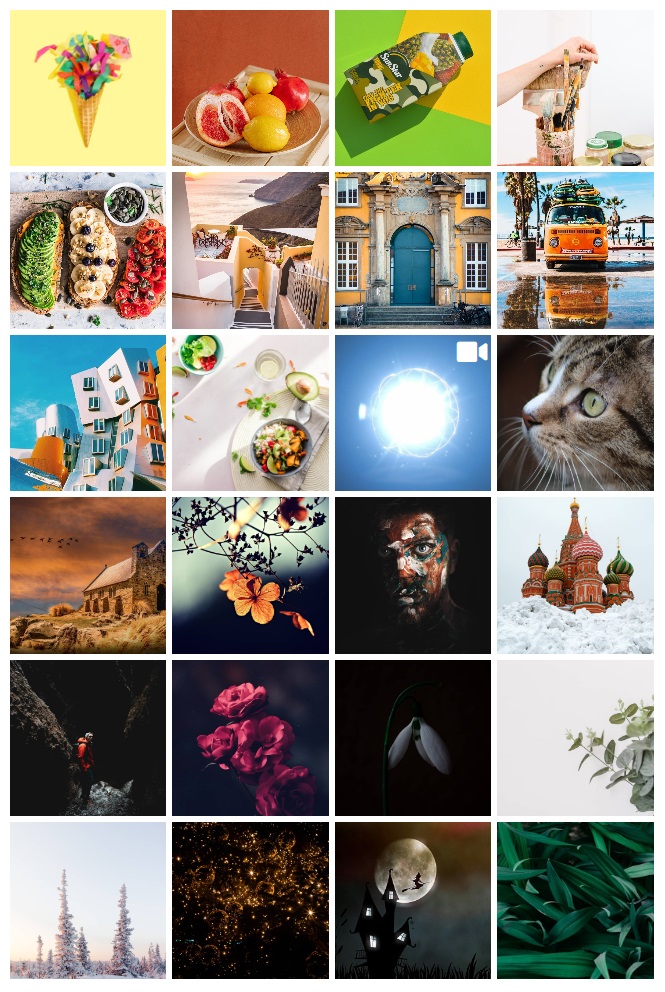
Four column gallery display 
Three column gallery display 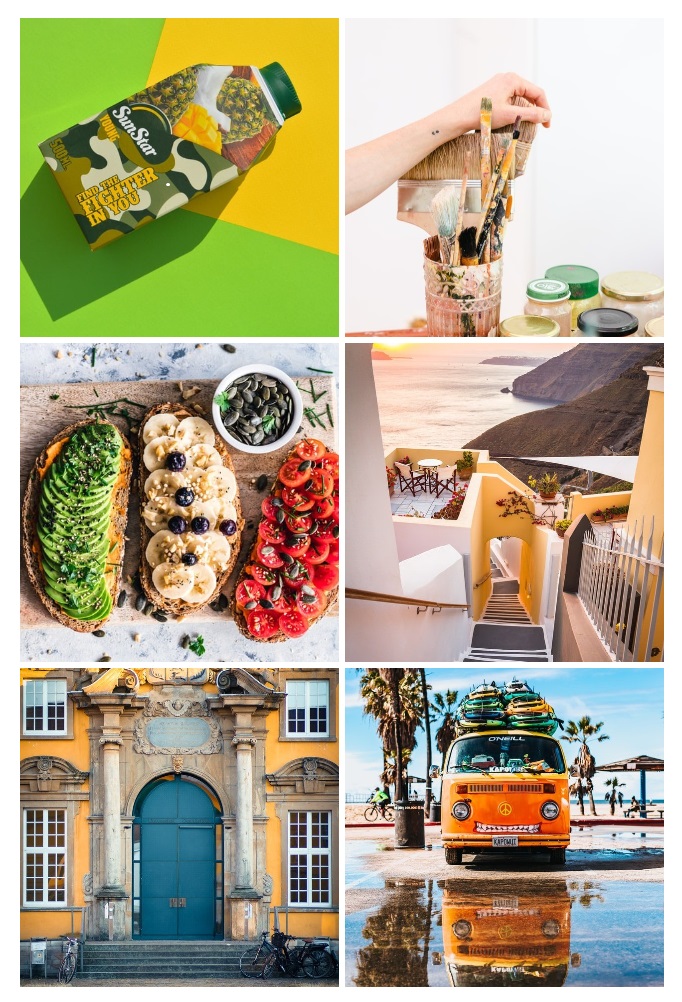
Two column gallery display 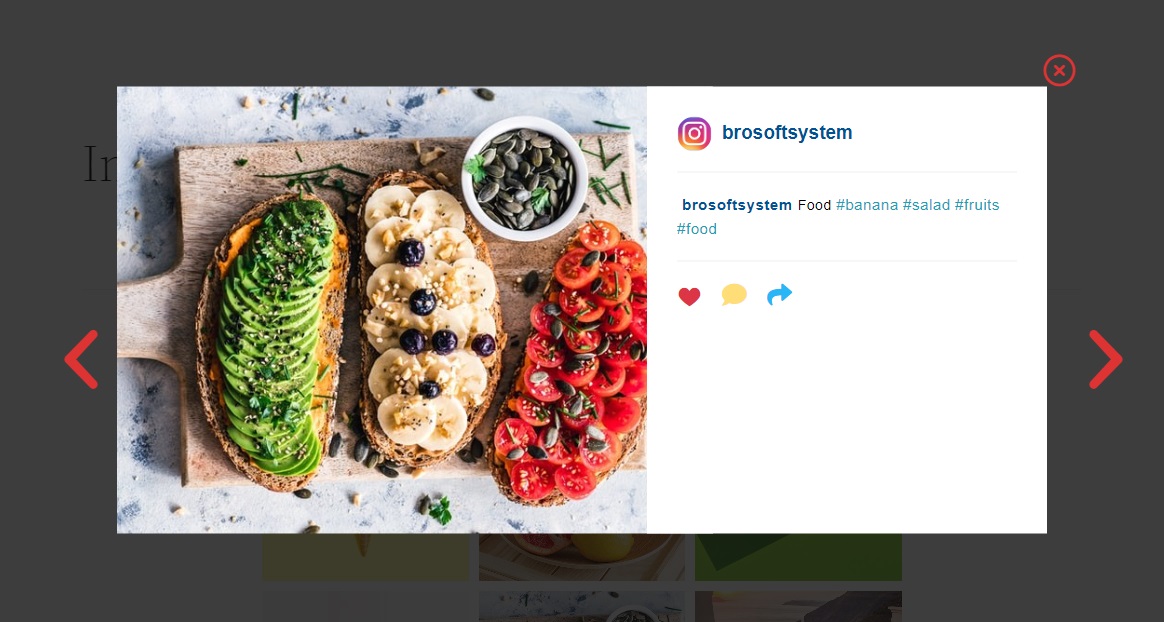
Lightbox with image preview 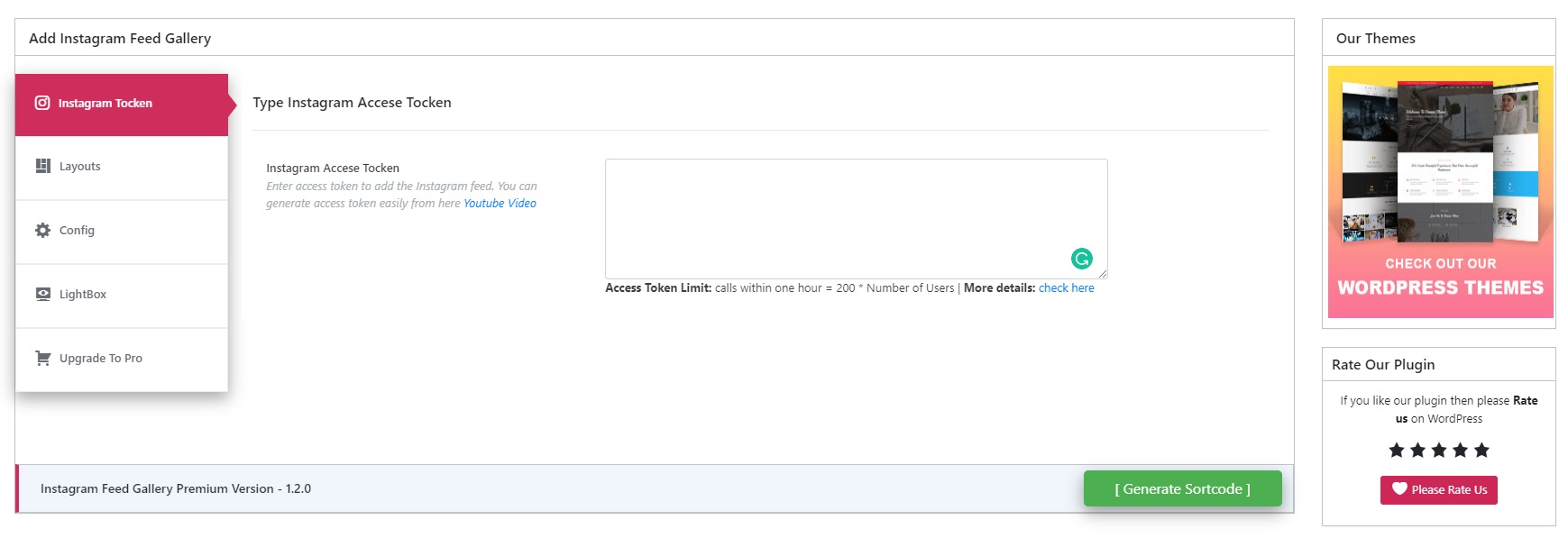
Access token settings screen 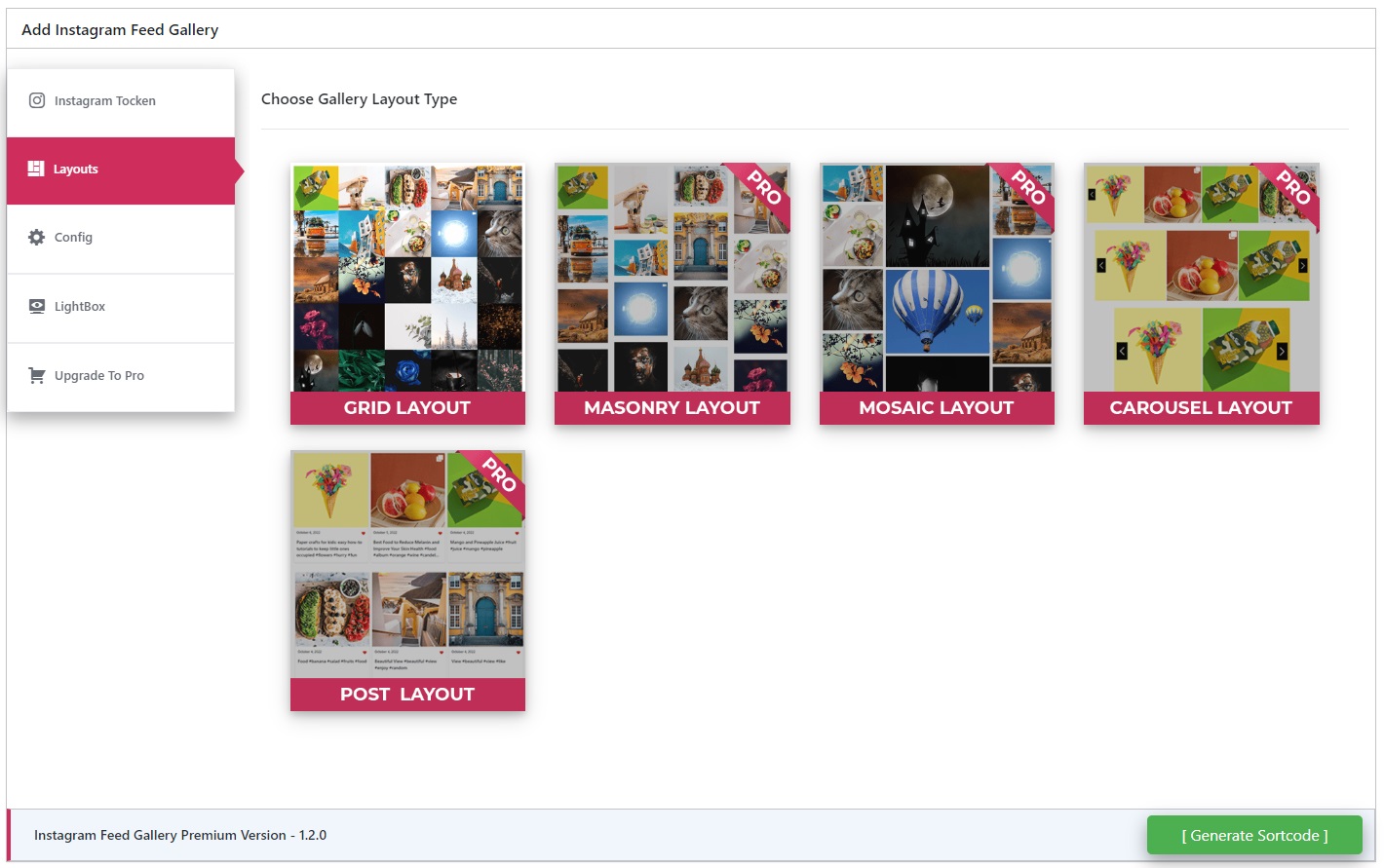
Layout selection options 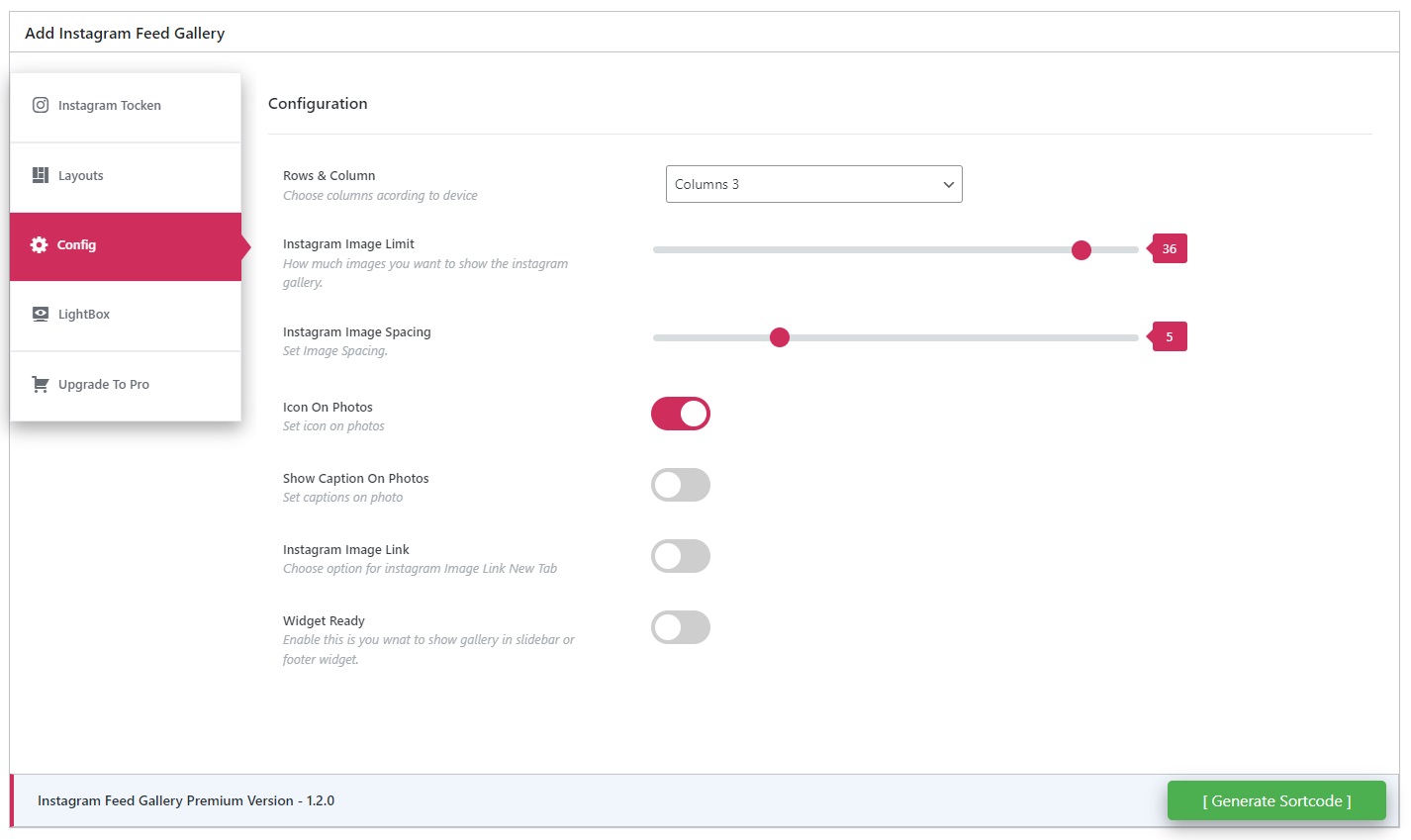
Gallery configuration panel 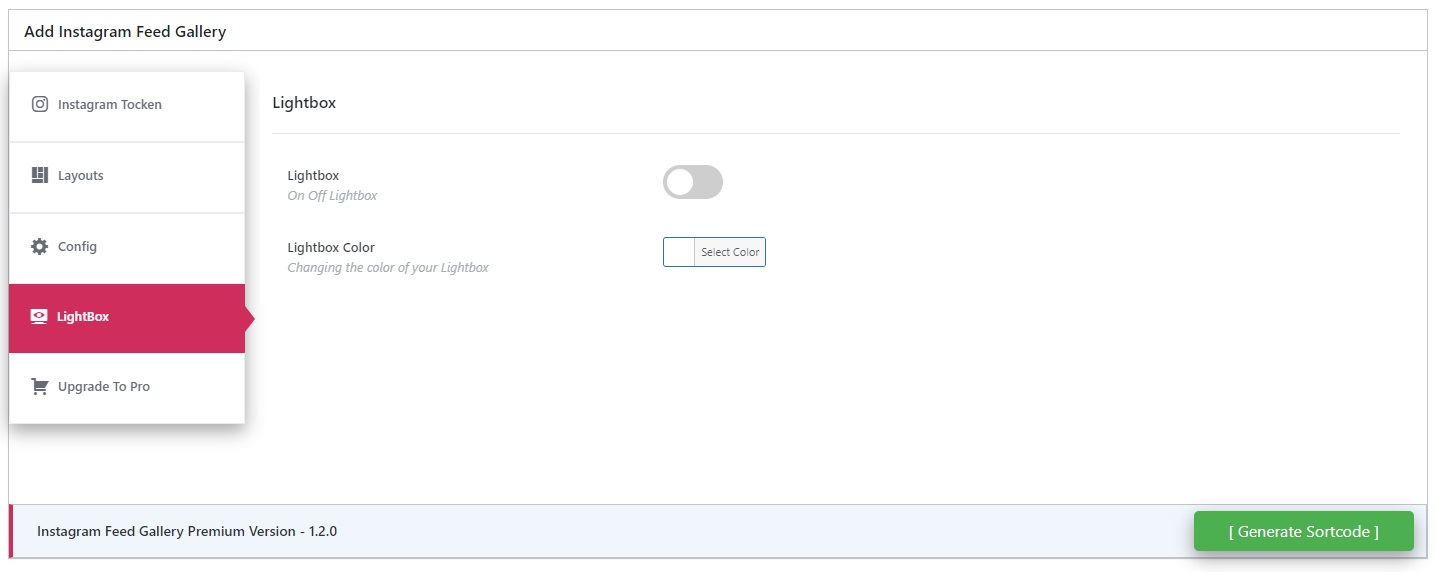
Lightbox color settings (Pro)
Installation
- Upload the plugin folder to
/wp-content/plugins/or install directly from the Plugins screen in your dashboard. - Activate through the Plugins menu.
- Go to “Insta Feed” in your admin sidebar.
- Enter your access token and configure display settings.
- Copy the generated shortcode and paste it into any page, post, or widget.
FAQ
-
How do I get an access token?
-
Access tokens are created through Facebook’s developer portal. Our video tutorial walks through each step: Watch Tutorial
-
Why is my instagram feed not loading?
-
Check if your access token is valid. Tokens expire and need periodic renewal. Re-generate a token if it stopped working.
-
Can I display an instagram reels video?
-
Yes. The plugin supports fetching and playing reels. A play icon will show on the video.
-
How do I customize my instagram gallery?
-
Use the settings page in your dashboard. You can set columns, image spacing, and captions.
-
No. Images load from external servers, not your hosting. This keeps your website loading fast.
-
Can I link an instagram post to the original page?
-
Yes. You can enable link redirection in settings. This redirects clicks to the instagram photo feed.
-
Does it work with private accounts?
-
No. Only public account posts can be fetched. Switch your account to public to display photos.
Reviews


Contributors & Developers
“Social Media Feed Gallery – Fetch Posts & Reels” is open source software. The following people have contributed to this plugin.
Contributors


“Social Media Feed Gallery – Fetch Posts & Reels” has been translated into 1 locale. Thank you to the translators for their contributions.
Translate “Social Media Feed Gallery – Fetch Posts & Reels” into your language.
Interested in development?
Browse the code, check out the SVN repository, or subscribe to the development log by RSS.
Changelog
1.5.1
** UI Redesign: Implemented premium glassmorphism header and improved layout selection UI
* Fixed: Corrected “Instagramm” typo in main header title
* Enhanced “Upgrade to Pro” section with high-impact conversion button
* Improved UI consistency: Centered/aligned configuration buttons in settings tabs
* Compliance: Added proper resource versioning to all frontend and admin styles
* Security: Refined translatable strings with ordered placeholders and translator comments
* Clean Code: Removed discouraged legacy textdomain loading for modern WP compatibility
* Tested with WordPress 6.9
1.5.0
- Redesigned “Upgrade to Pro” tab for a more premium experience
- Added visual previews for Pro layouts in the “Upgrade to Pro” tab
1.4.9
- Fixed: Translation loading triggered too early warning in WordPress 6.7.0+
- Changed textdomain loading hook for compatibility
1.4.8
- Tested with WordPress 6.9
1.4.7
- Lightbox CSS improvements
1.4.6
- Tested with WordPress 6.8.3
1.4.5
- Renamed plugin for trademark compliance
- Updated readme and assets
- Tested with WordPress 6.8.1
1.4.4
- Bug fixes for compatibility
- Security patches applied
- Minor code cleanup
- Tested with WordPress 6.8.1
1.4.3
- Bug fixes for compatibility
- Tested with WordPress 6.7.2
1.4.2
- Fixed API error handling
- New access token video guide
1.4.1
- Styling adjustments
- Tested with WordPress 6.6.2
1.4.0
- Compatibility with WordPress 6.6.2
1.3.9
- Compatibility update for WordPress 6.6.1